
Verify
Verify Your Vial
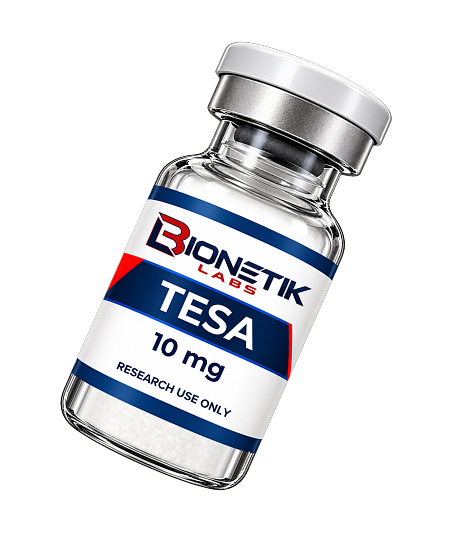
Scan the QR code on your vial. It opens the certificate for that exact batch on the testing lab’s own website, not ours. A certificate hosted on a seller’s website can be edited. One on the lab’s website can’t.
Check these against your certificate:

QR code: Scan it. It opens the certificate for your batch on the testing lab’s own website
Batch number: Matches the lot number on the certificate.

Average purity: Matches the average purity on the certificate.

Average mass: Matches the average net content on the certificate.

Cap and crimp ring color: Match the photo of the tested vial on the certificate.

Find any certificate at the lab yourself
Every certificate we have ever had issued is on Freedom Diagnostics’ website, under our company name
- Go to freedomdiagnosticstesting.com and click COA Lookup.
- Use the Company Name box. It’s the second box, not the first.
- Type Bionetik Labs and search. Every certificate we have ever had issued is listed.
- To find one certificate, use the first box instead, with the Search Code printed at the top right of your COA.
Who is Freedom Diagnostics?
Freedom Diagnostics in Franklin, Tennessee, is an independent U.S. laboratory operating to ISO 9001 quality management and Good Laboratory Practice principles. In their own words: “No vendor affiliations. No conflicts of interest.” They don’t work for us and have no stake in the result. The QR code is the lab’s, not ours. It’s generated by Freedom and printed on their certificate, and we print the same code on the vial.